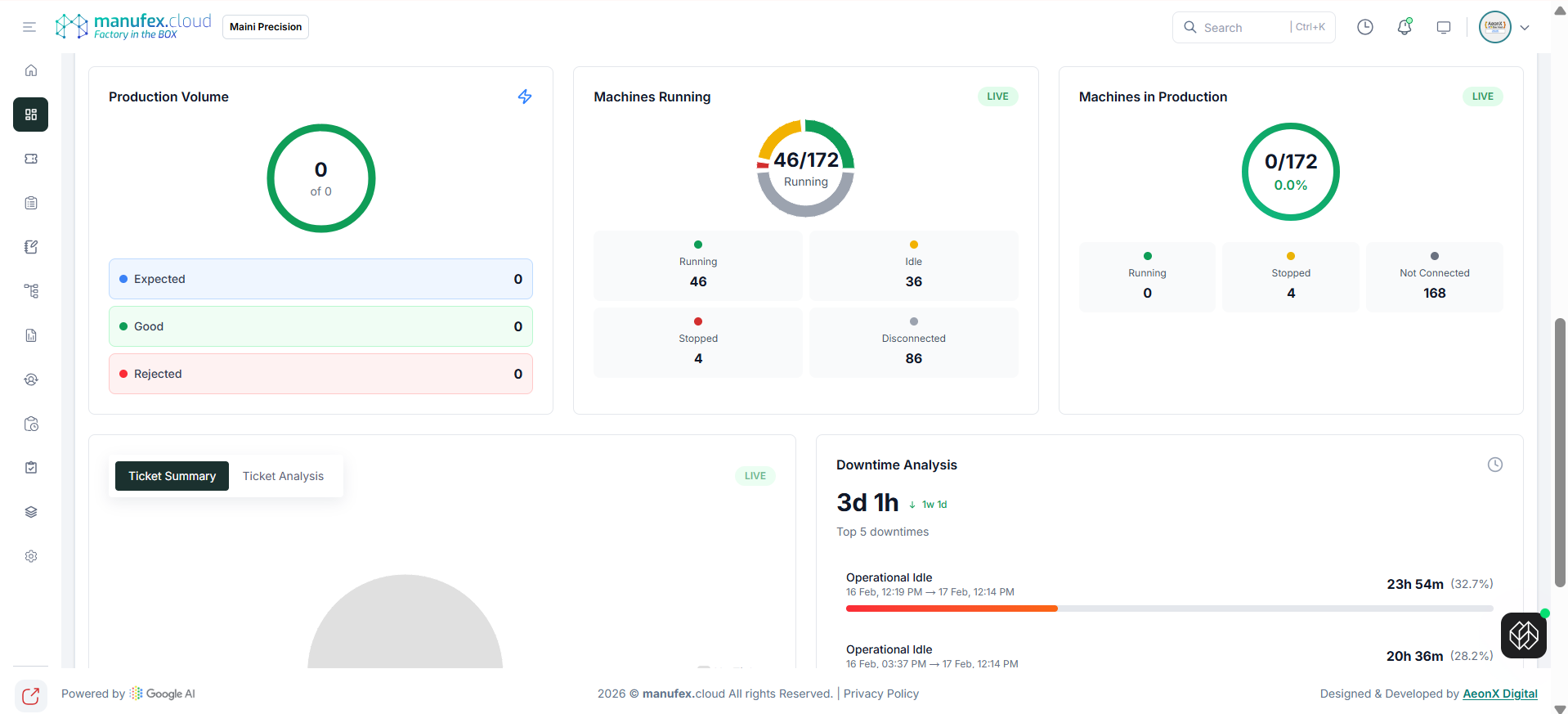
Factory Insights
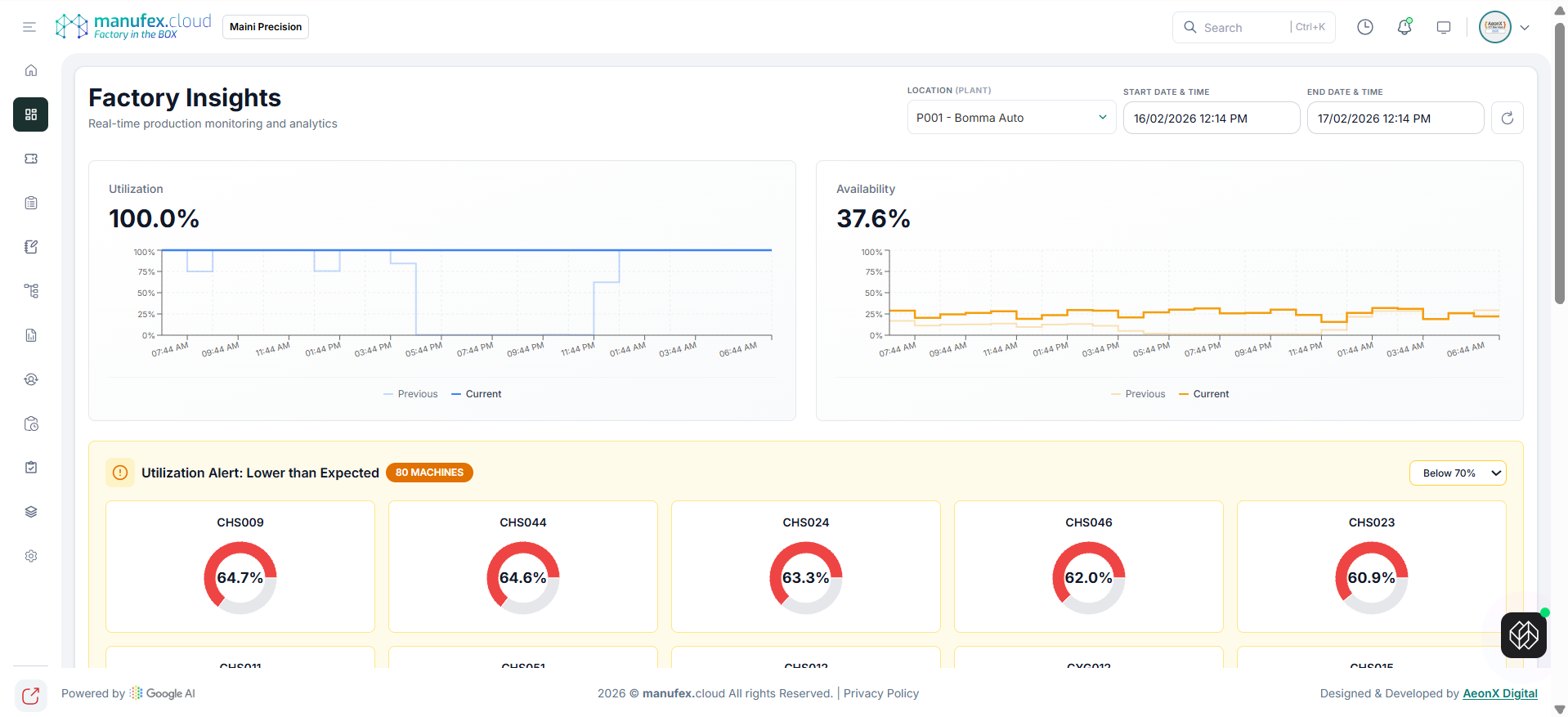
Use Factory Insights to monitor production and downtime analytics for a selected location.
View Factory Insights dashboard:
1. In the left sidebar, go to Dashboard > Factory Monitoring > Factory Insights.
2. Select Location (Plant).
3. Set Start Date & Time and End Date & Time.
4. Review utilization/availability charts and alerts.
View ticket summary and downtime analysis:
1. Scroll to view sections like Ticket Summary and Downtime Analysis.