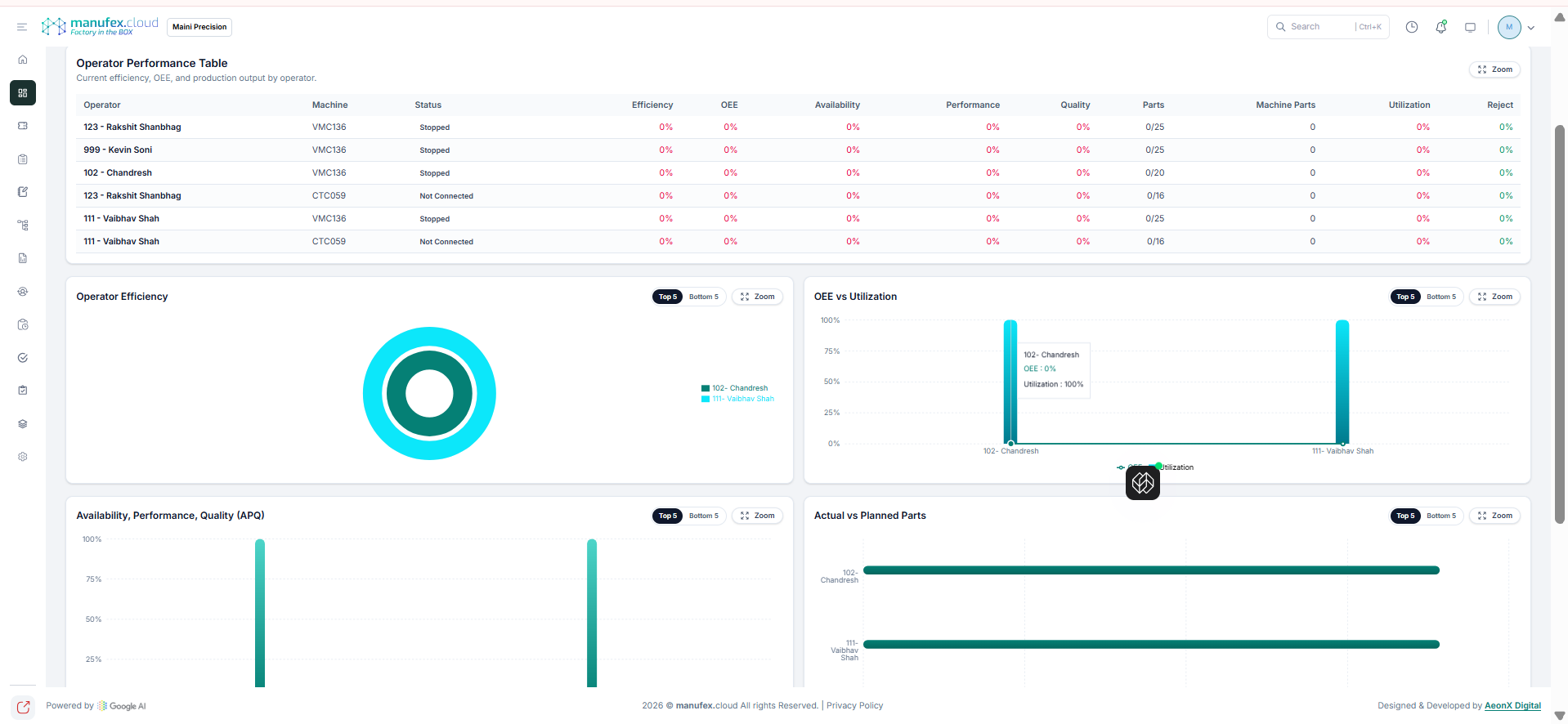
Operator Efficiency
Use Operator Efficiency to analyze operator efficiency, OEE, and production output.
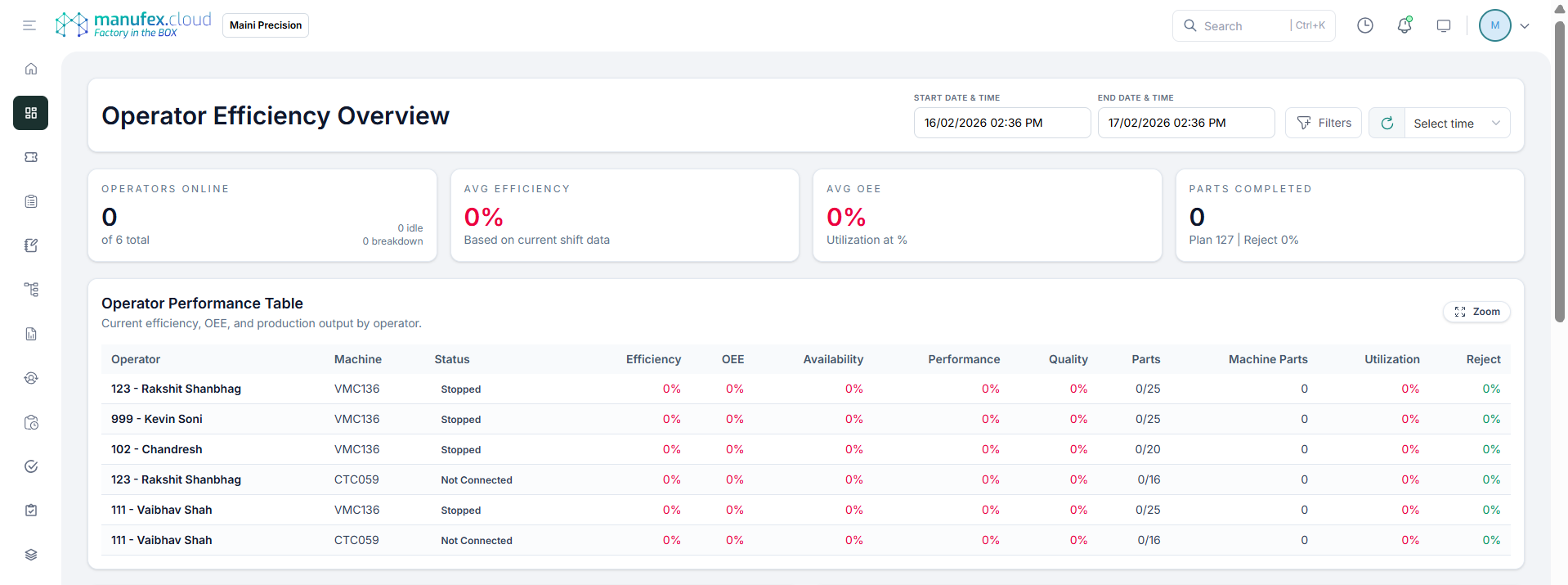
View Operator Efficiency Overview
- In the left sidebar, go to Dashboard > Operation Monitoring > Operator Efficiency.
- Set Start Date & Time and End Date & Time.
- Apply filters if required.
- Review summary KPIs and the Operator Performance table.
View Charts
- Scroll down to view charts like Operator Efficiency, OEE vs Utilization, and Actual vs Planned Parts.