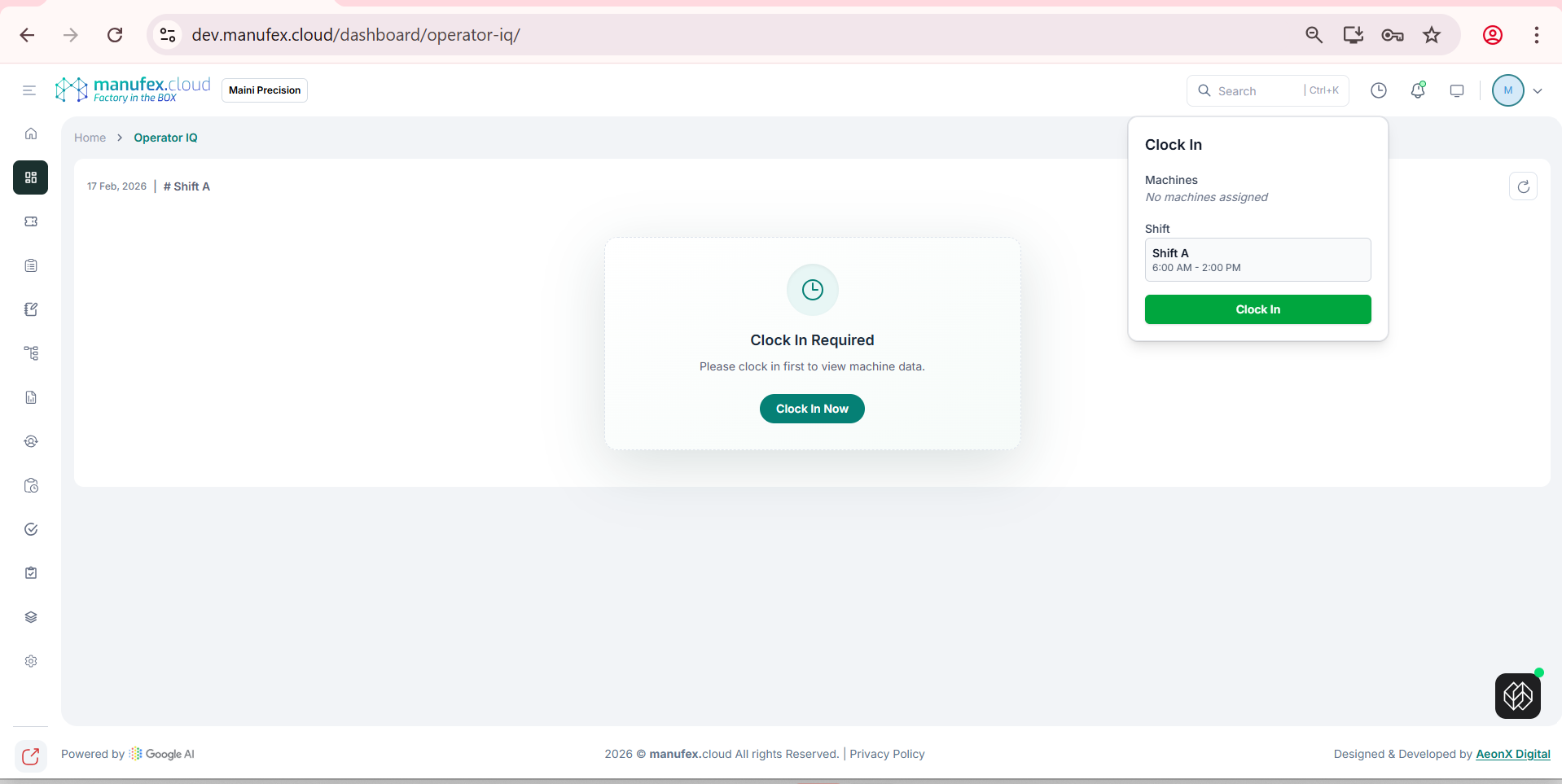
Operator IQ
Use Operator IQ to view your shift status and access machine monitoring for your assigned shift.
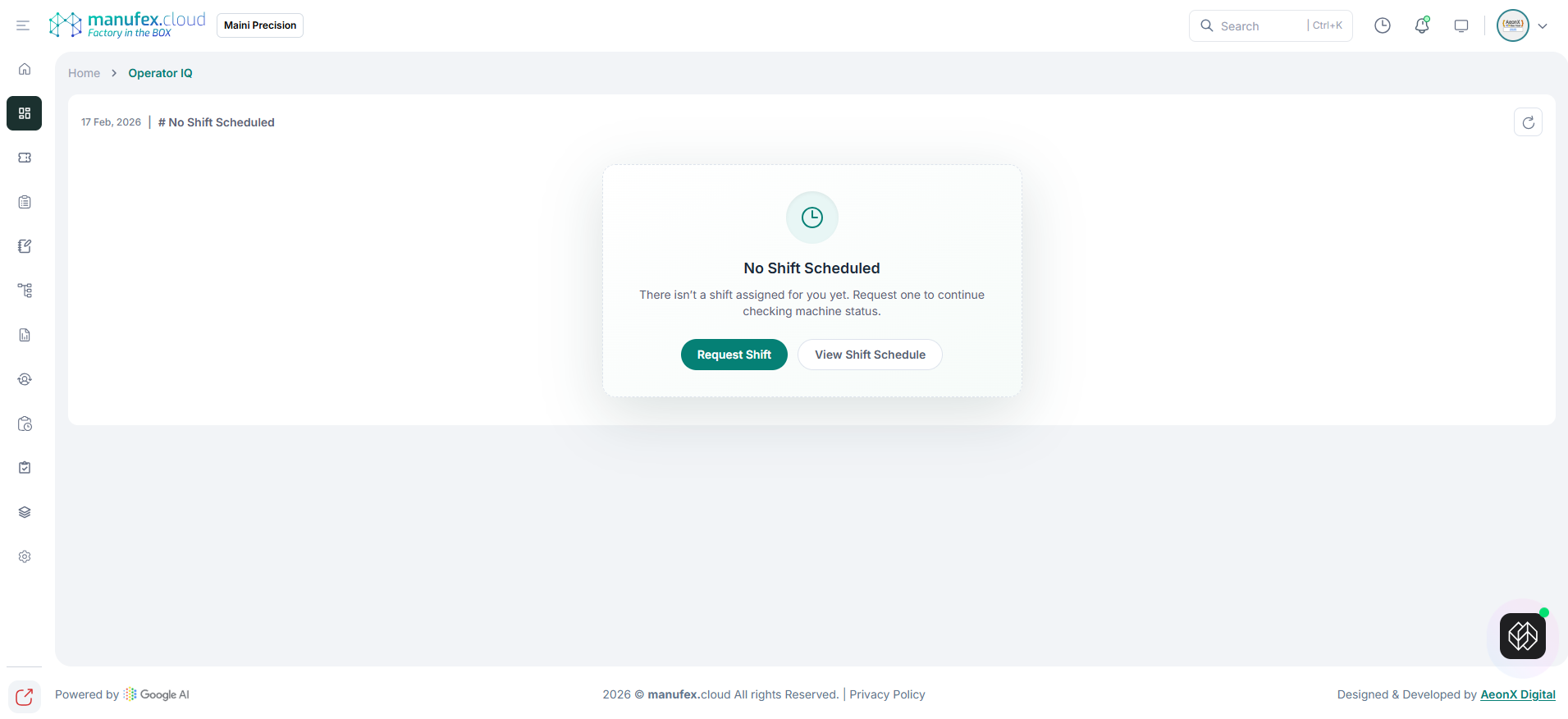
No shift scheduled:
1. In the left sidebar, go to Dashboard > Operation Monitoring > Operator IQ.
2. If no shift is assigned, click Request Shift.
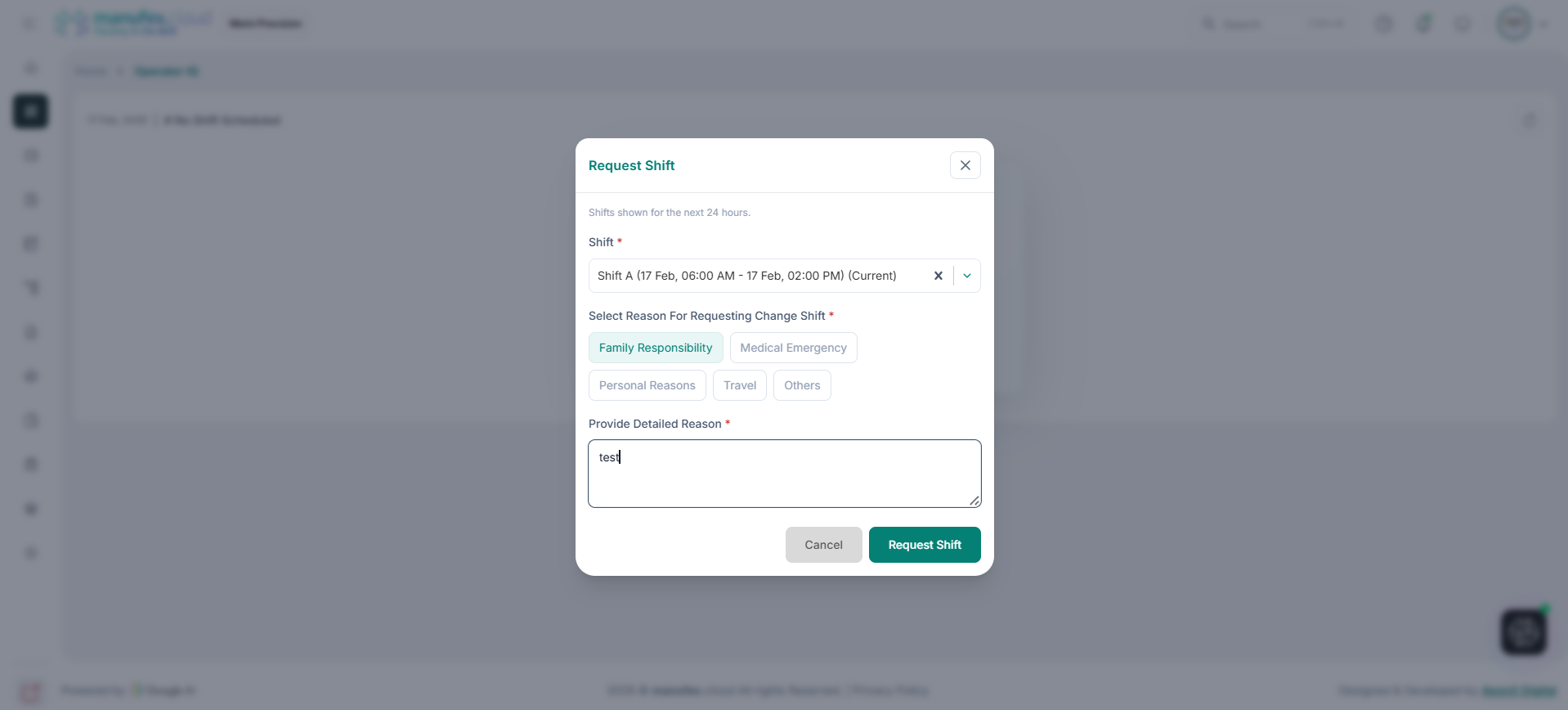
Request a shift:
1. Click Request Shift.
2. Select Shift, select a reason, enter details, and click Request Shift.
Clock in:
1. If a shift is assigned, click Clock In Now.
2. Review the shift details and click Clock In.