Countries
Use Countries to manage country codes and phone codes used across the system.
View countries:
1. Go to Masters > Countries.
2. Use Search to find a country.
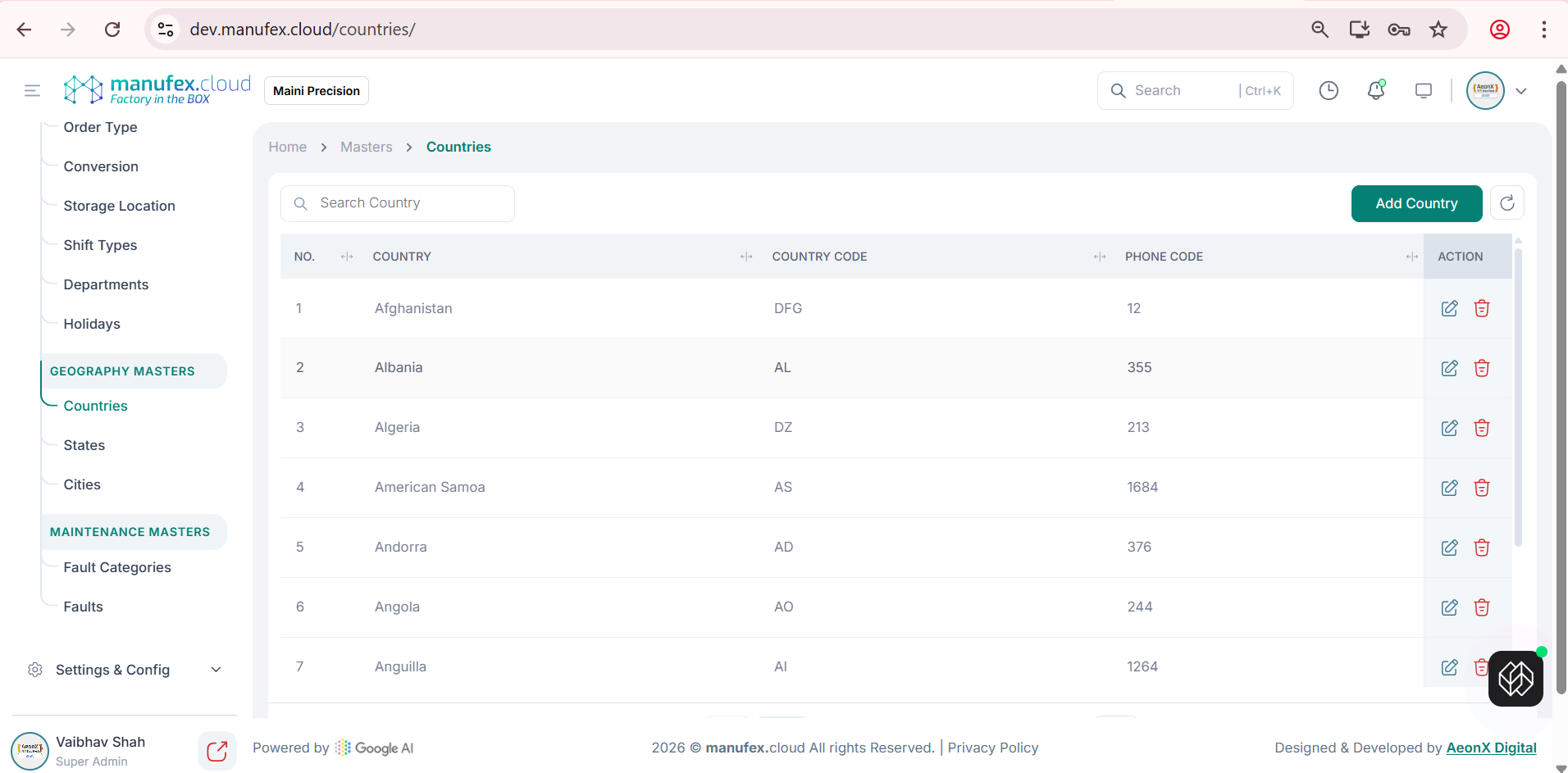
Add a country:
1. Click Add Country.
2. Enter Country Name, Country Code, and Phone Code.
3. Click Save Country.
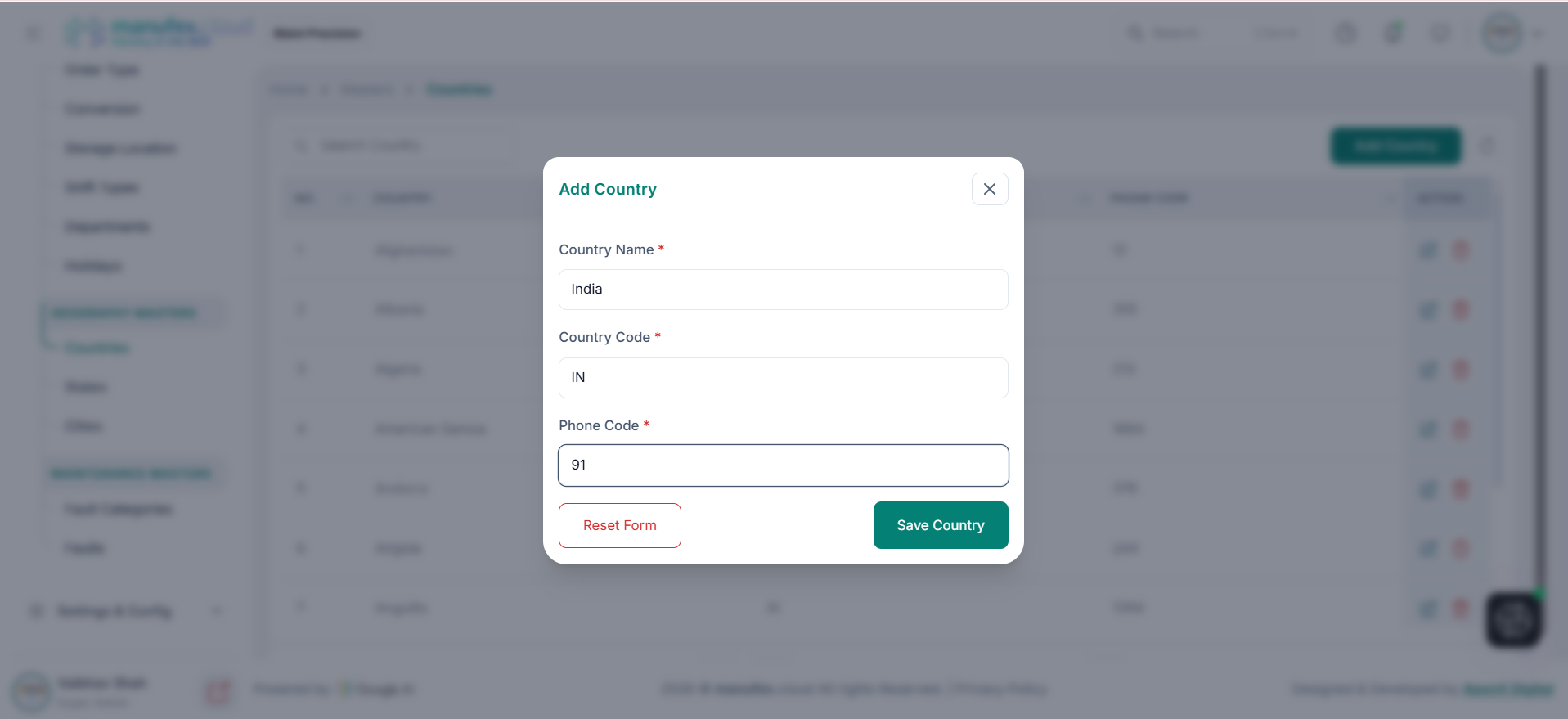
Edit a country: 1. Click Edit in the Action column. 2. Update the country details. 3. Click Update Country.
Delete a country: 1. Click Delete in the Action column. 2. Confirm Delete Permanently.