Faults
This section maps to Down Time Reason in the existing manual.
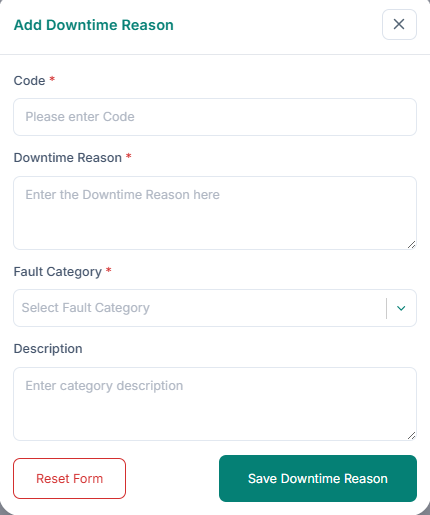
Add a fault (down time reason):
1. Enter the Code, Down Time Reason, Fault Category, and Description.
2. Click Save.
Edit a fault (down time reason):
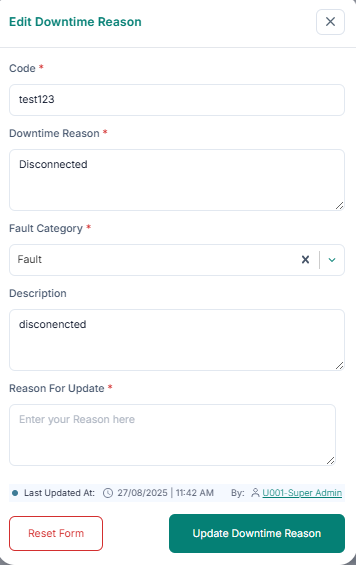
1. Click Edit in the Action column.
2. Update fields and provide a reason for update.
3. Click Update Down Time Reason.
Delete a fault (down time reason): 1. Click Delete in the Action column. 2. Click Delete Permanently.