Holidays
Use Holidays to configure yearly holidays for each plant/location.
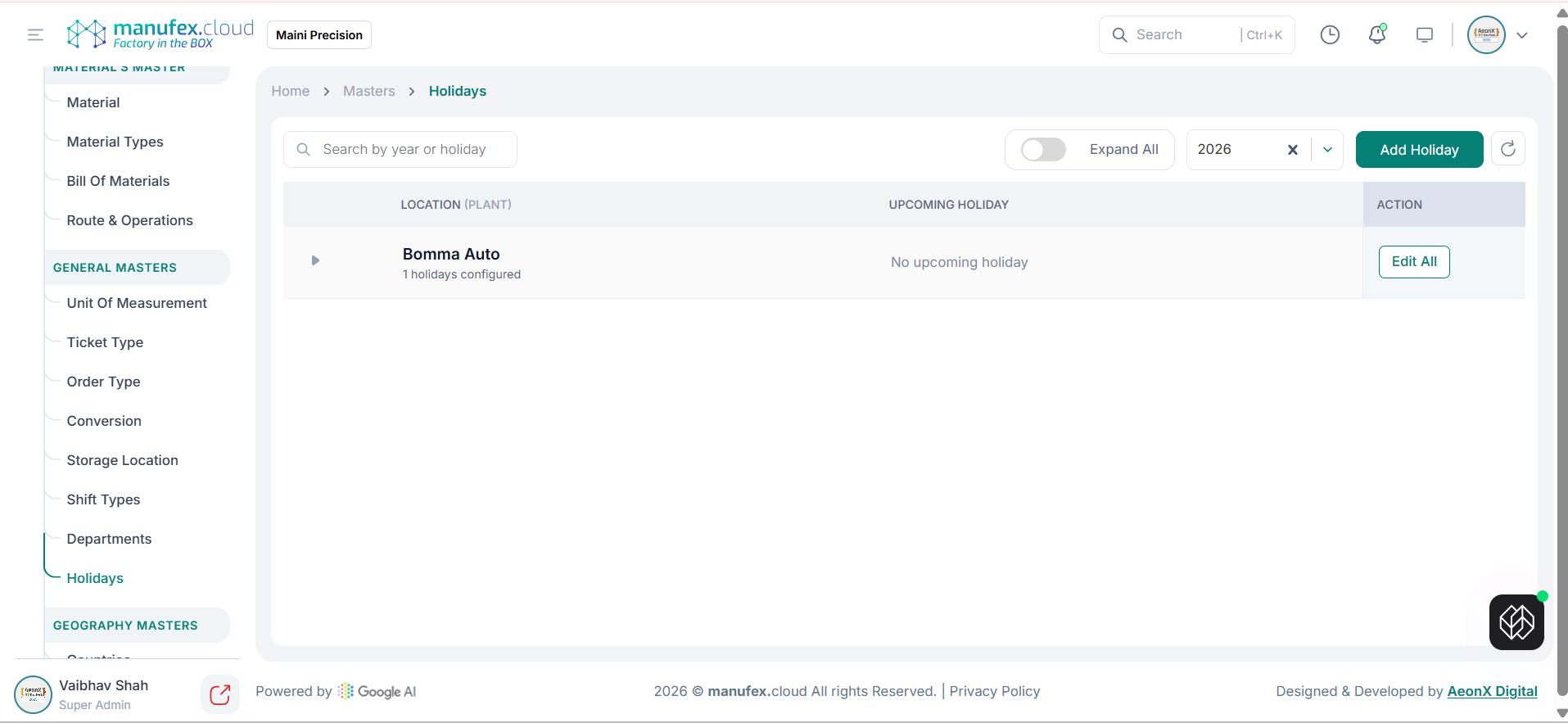
View holidays:
1. Go to Masters > Holidays.
2. Search by year or holiday, select the year, or toggle Expand All to view details.
Add holidays:
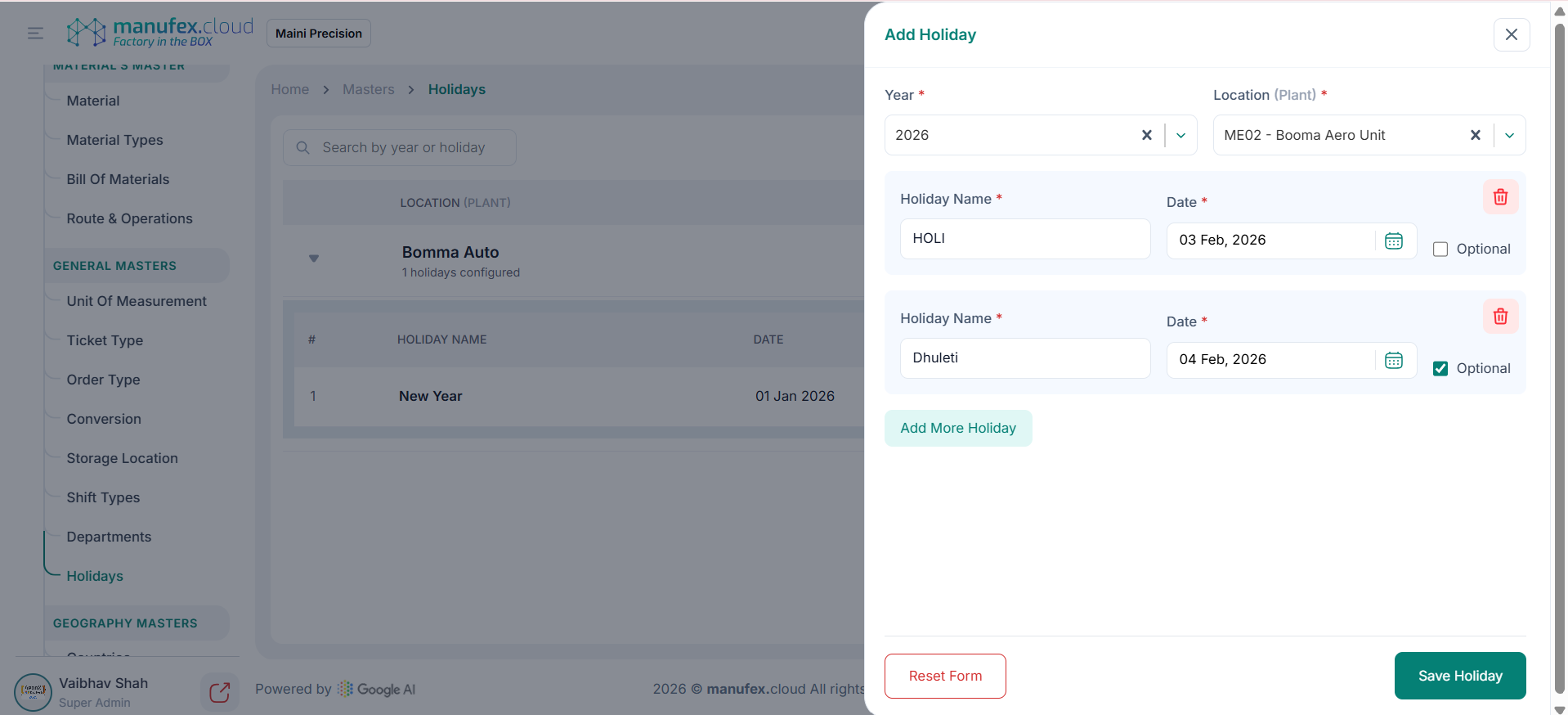
1. Click Add Holiday.
2. Select Year and Location (Plant).
3. Enter Holiday Name and Date. Use Add More Holiday to add additional rows.
4. Click Save Holiday.
Edit holidays: 1. Click Edit All for the location. 2. Update holiday names, dates, or optional status. 3. Click Save Holiday.
Delete a holiday: 1. Click Edit All for the location. 2. Click the Delete icon on the holiday row. 3. Click Save Holiday.