Material
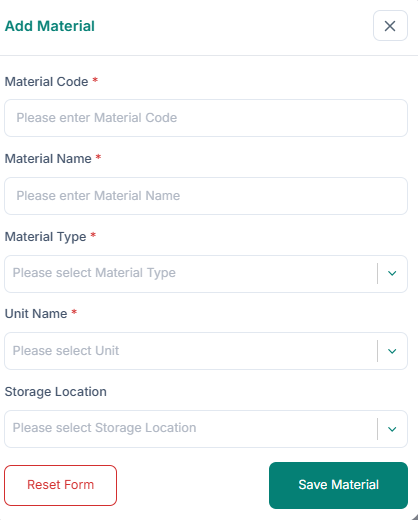
Add a material:
1. Enter the Material Code and Material Name.
2. Select Material Type, Unit Name, and Storage Location.
3. Click Save Material.
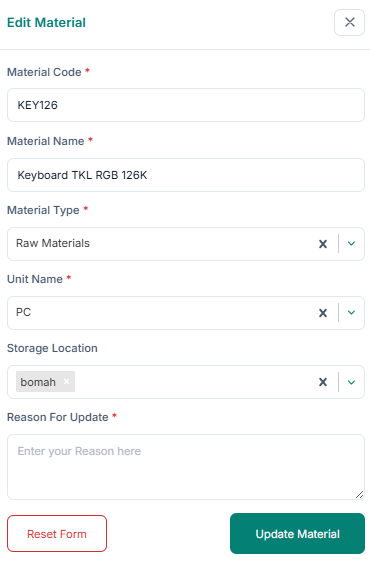
Edit a material:
1. Click Edit in the Action column.
2. Update fields and provide a reason for update.
3. Click Update Material.
Delete a material: 1. Click Delete in the Action column. 2. Click Delete Permanently.