Ticket Type
Use Ticket Type to define and manage maintenance ticket categories.
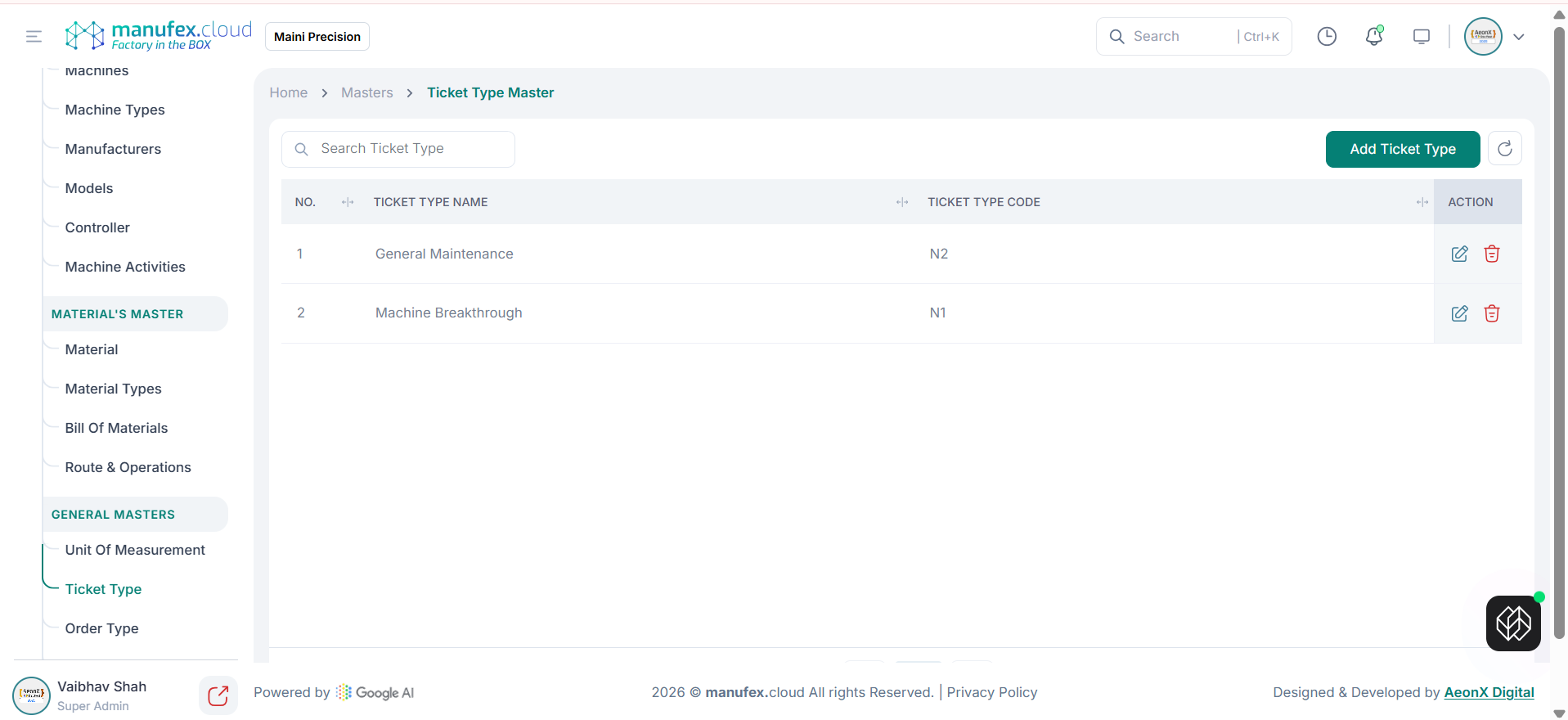
View ticket types:
1. Go to Masters > Ticket Type.
2. Use Search to find a ticket type.
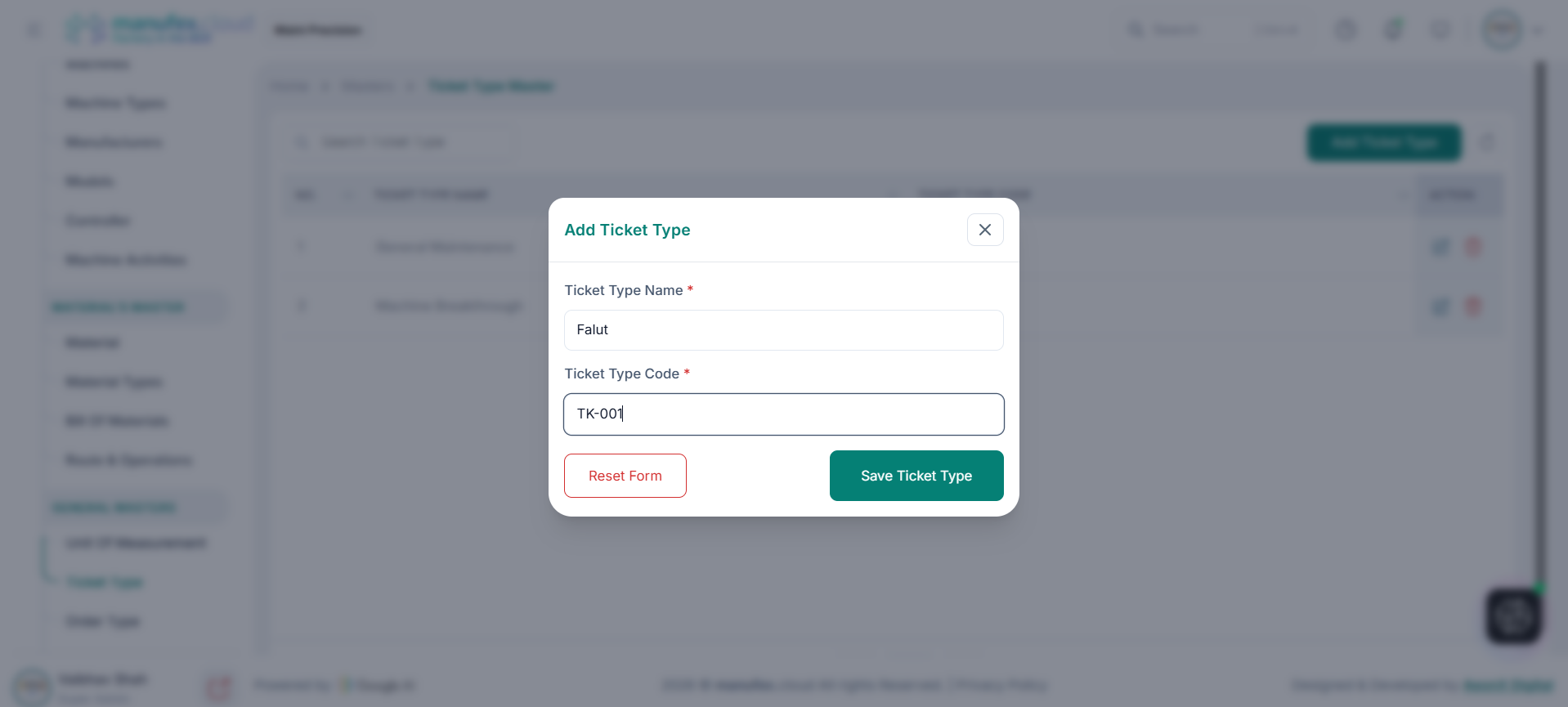
Add a ticket type:
1. Click Add Ticket Type.
2. Enter Ticket Type Name and Ticket Type Code.
3. Click Save Ticket Type.
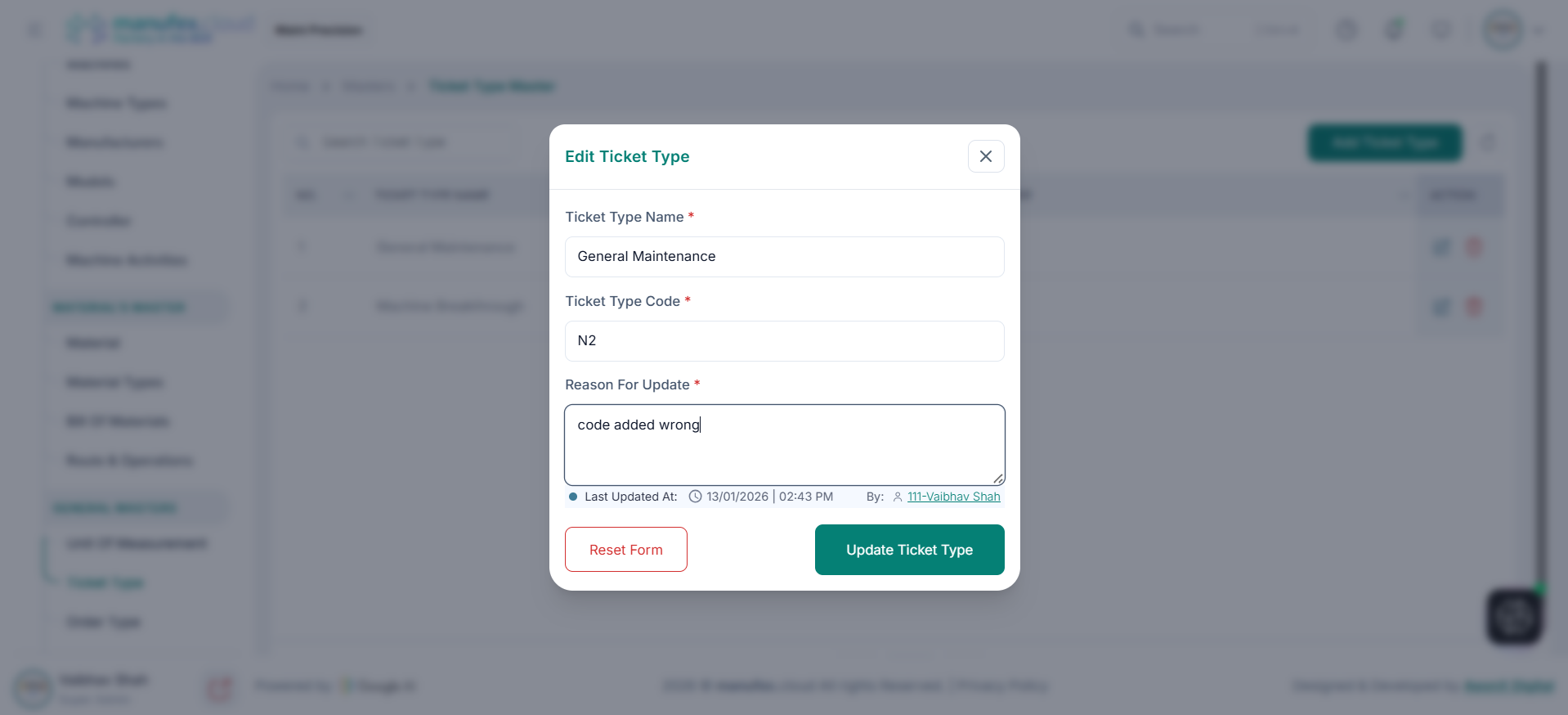
Edit a ticket type:
1. Click Edit in the Action column.
2. Update Ticket Type Name or Ticket Type Code.
3. Enter Reason For Update.
4. Click Update Ticket Type.
Delete a ticket type: 1. Click Delete in the Action column. 2. Confirm Delete Permanently.