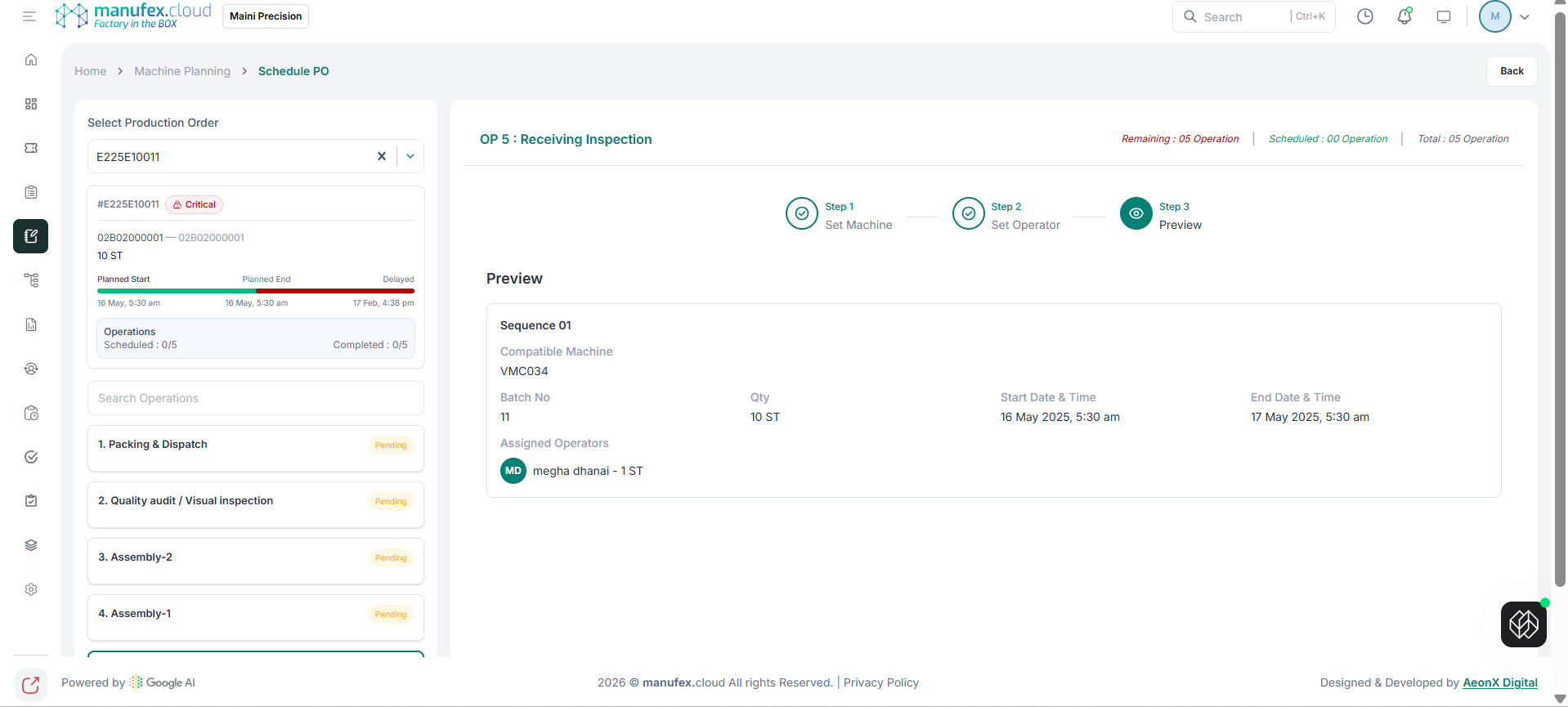
Machine Planning
Use Machine Planning to schedule and reschedule production orders by workflow stage.
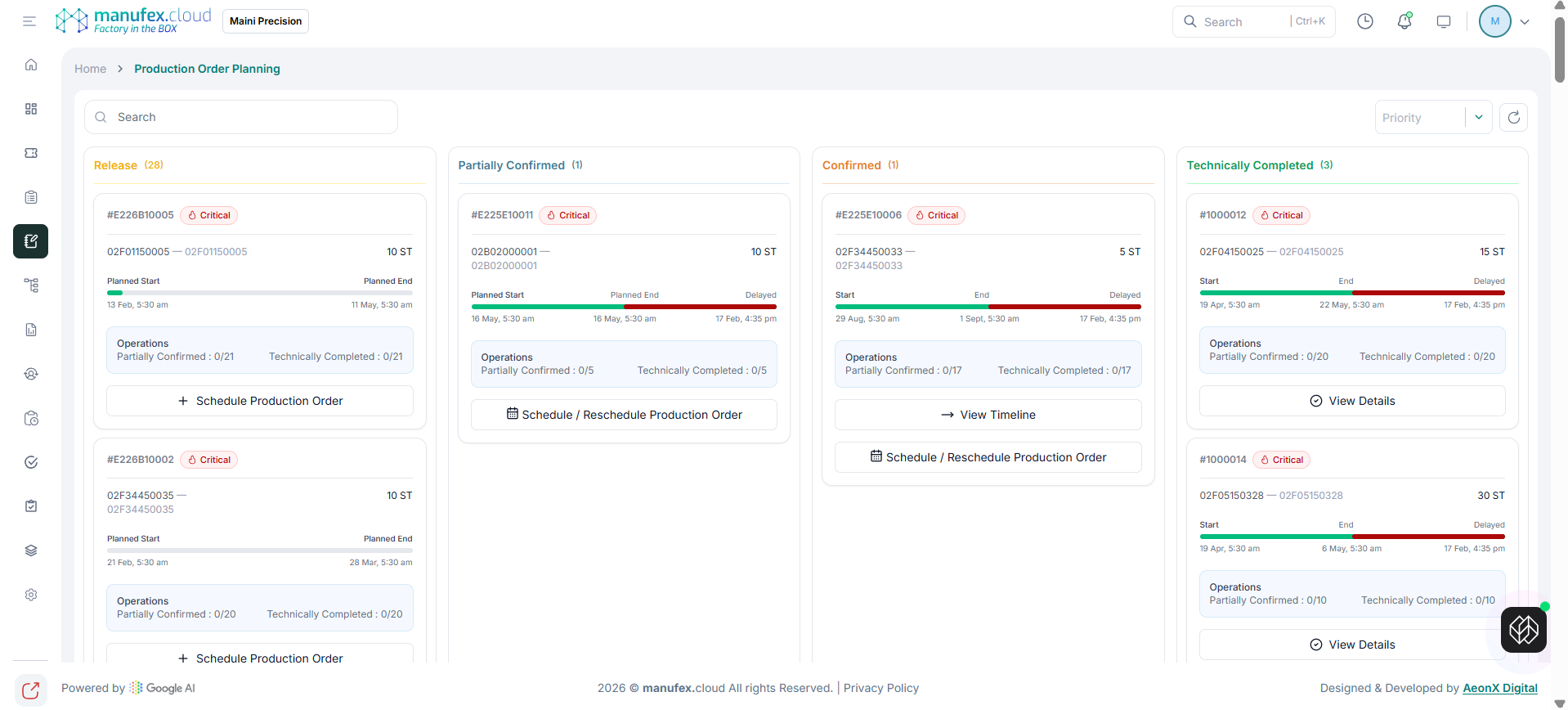
View Planning Board
- In the left sidebar, click Machine Planning.
- Use search and priority filter.
- Review orders in columns like Release, Partially Confirmed, Confirmed, and Technically Completed.
View Timeline from Planning Card
- Open an order card from the planning board.
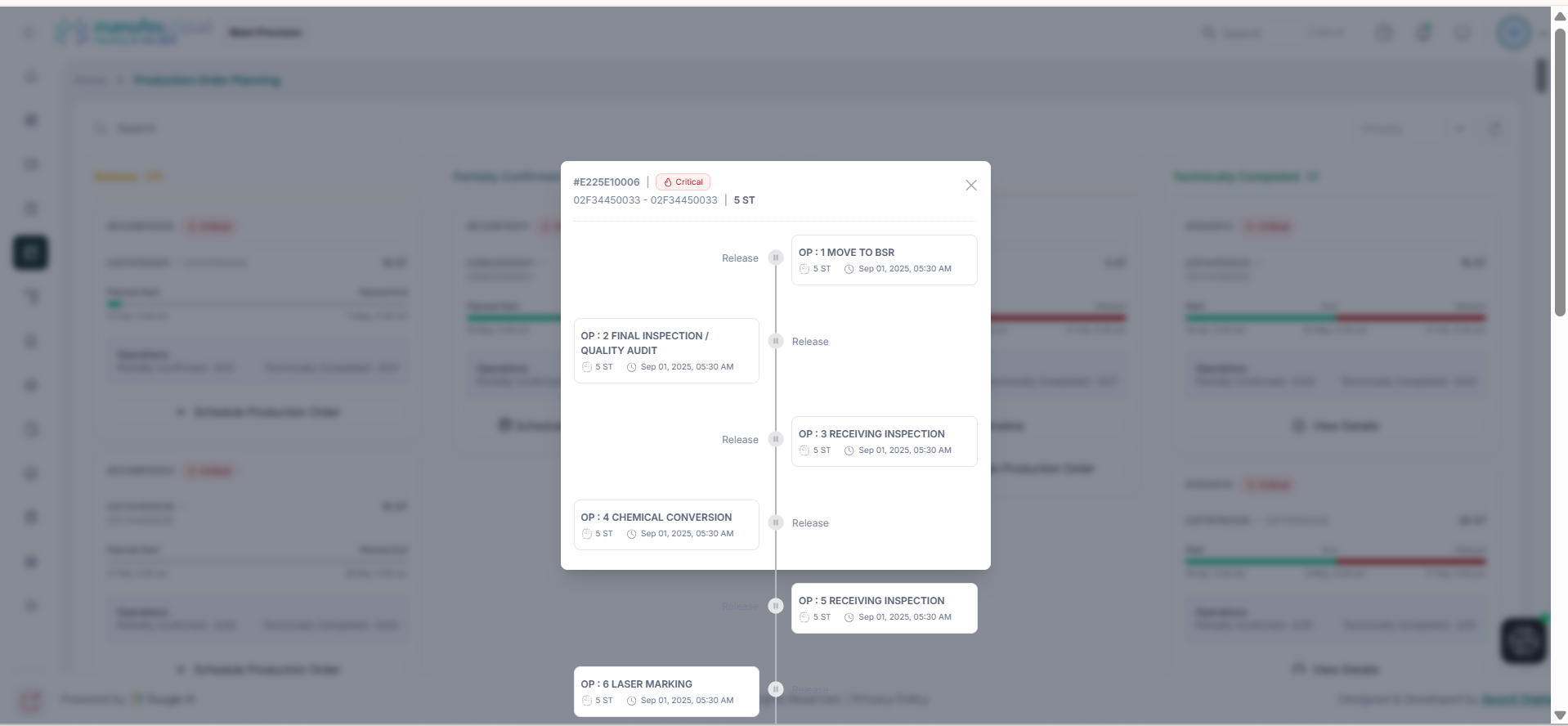
- Click View Timeline.
- Verify operation flow and delayed points.
Schedule or Reschedule Production Order
Step 1
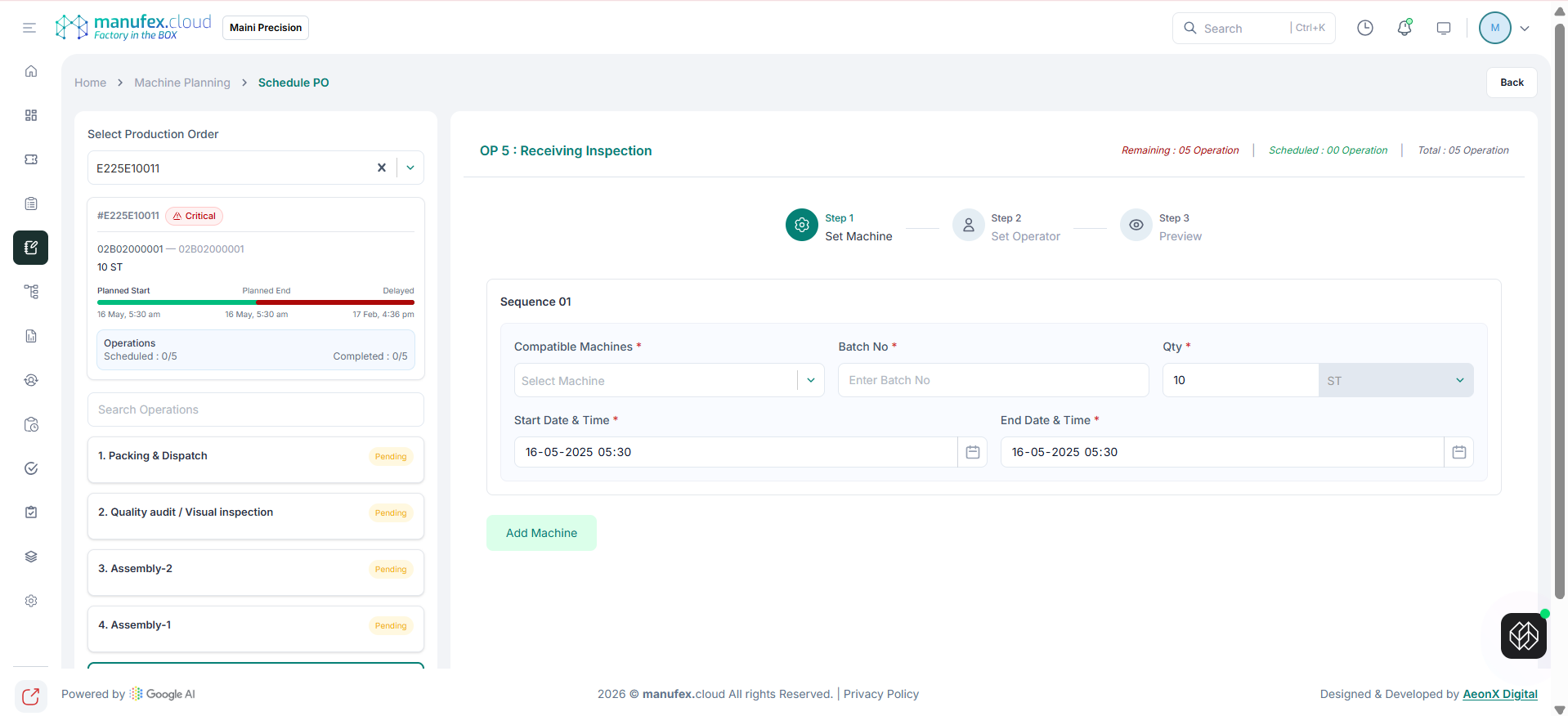
- Click Schedule Production Order or Schedule / Reschedule Production Order.
- Select scheduling context and order inputs.
Step 2
- Update planning values and constraints.
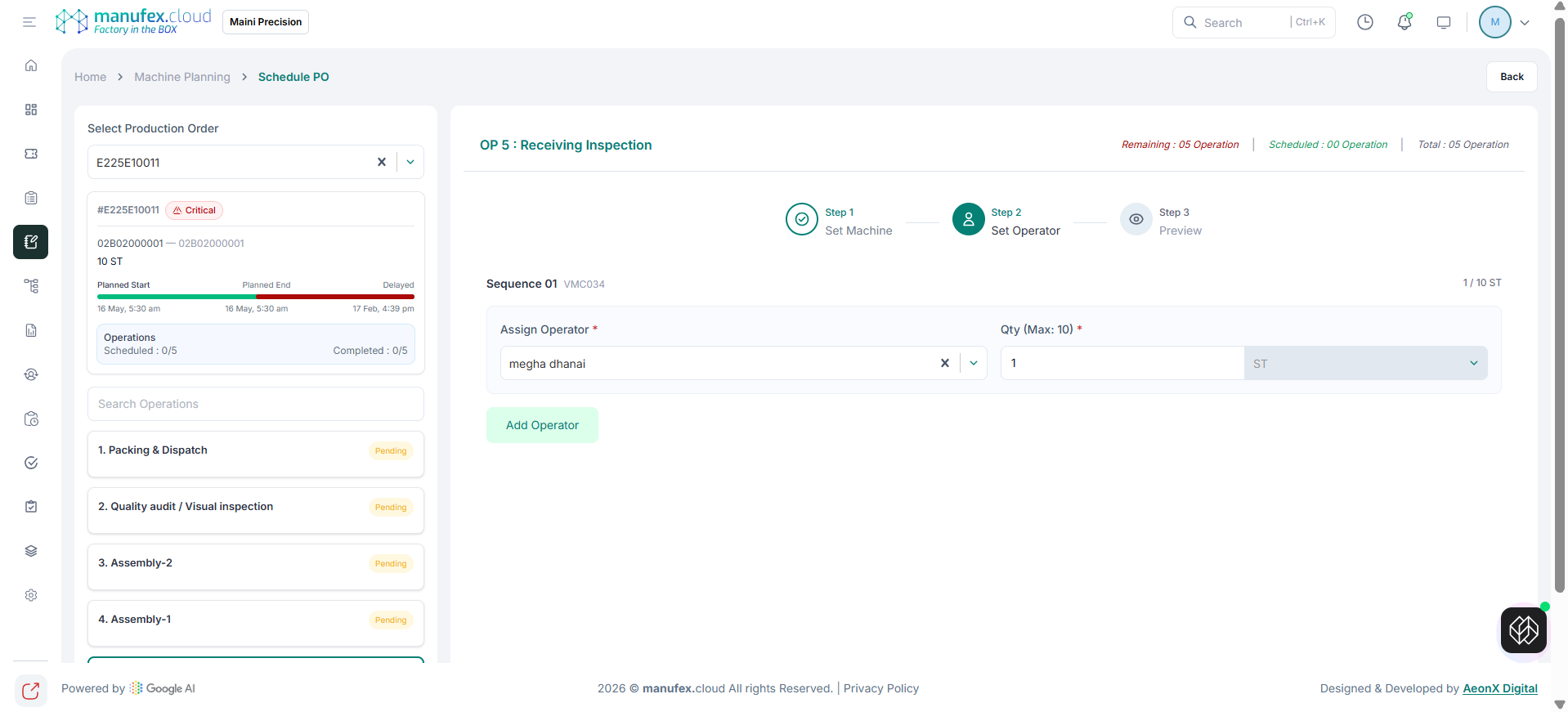
Step 3
- Review summary.
- Confirm to save the updated schedule.