Production Order Timeline
Use Production Order Timeline to track planned vs delayed execution across production orders.
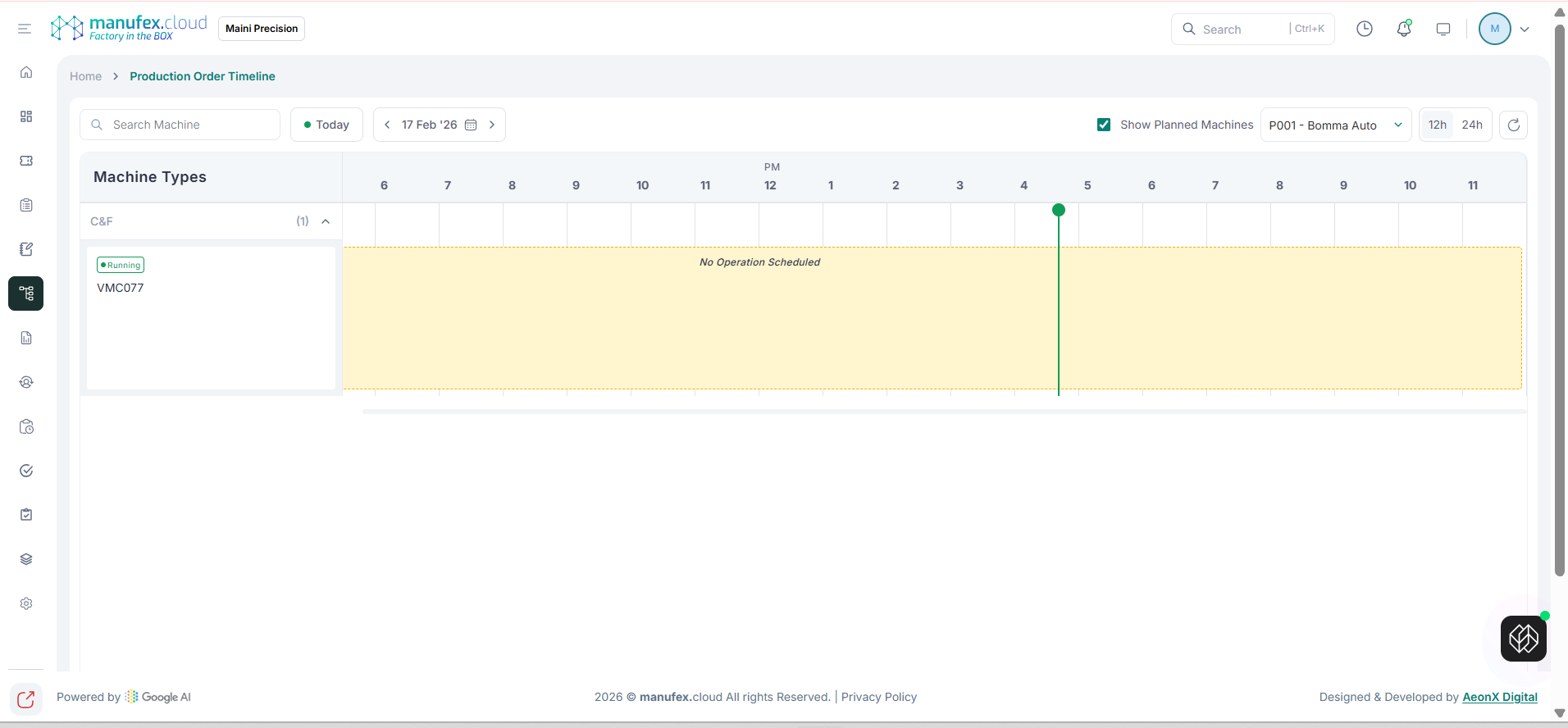
View Timeline Board
- In the left sidebar, click Production Order Timeline.
- Use search and filters to find required orders.
- Review status-wise cards and delay indicators.
Open Order Timeline
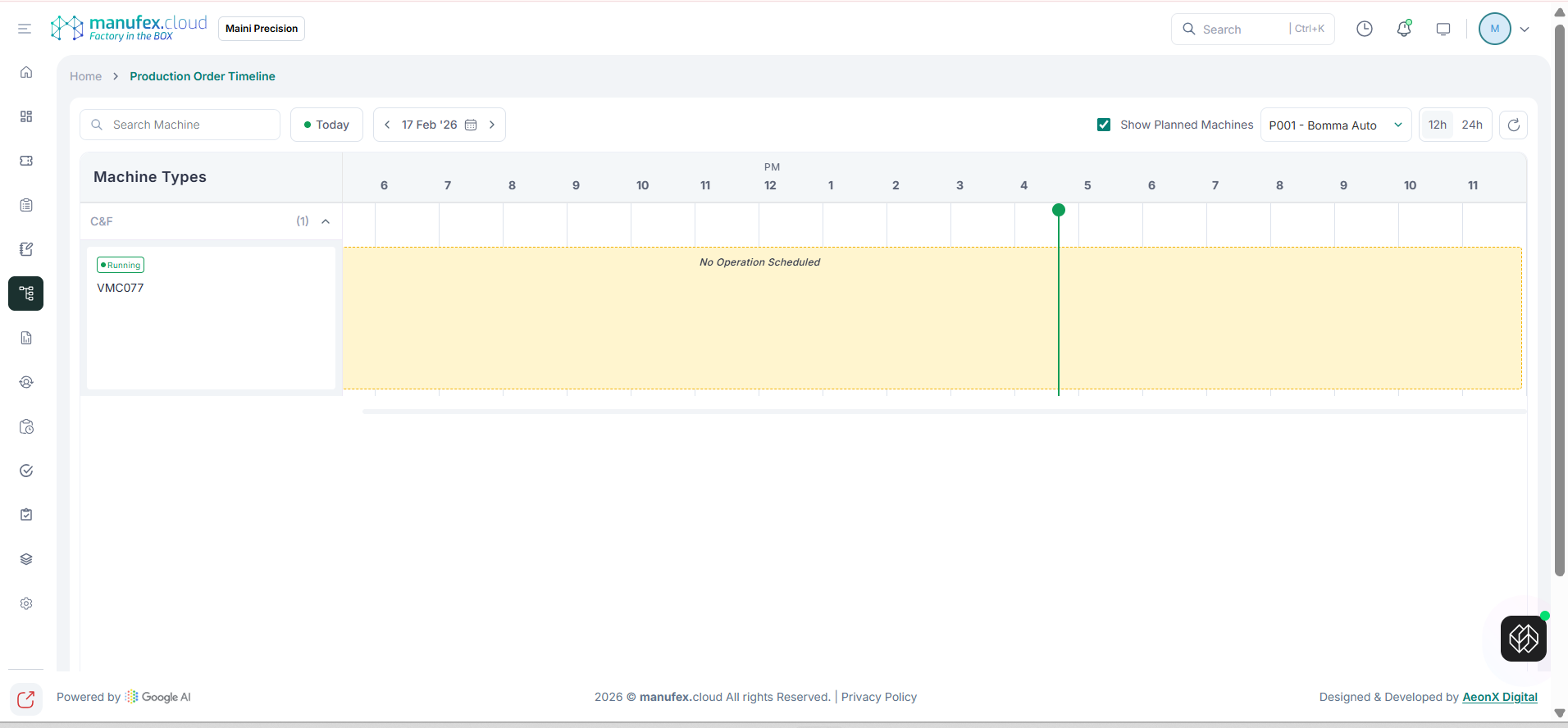
- Open the required order.
- Click timeline action.
- Check operation start, end, and delay progression.
Usage
- Identify delayed operations quickly.
- Compare planned and actual timelines.
- Use this analysis before rescheduling in Machine Planning.