Control Plan
Use Control Plan to define parameters, validation logic, and tolerance limits for machines or models.
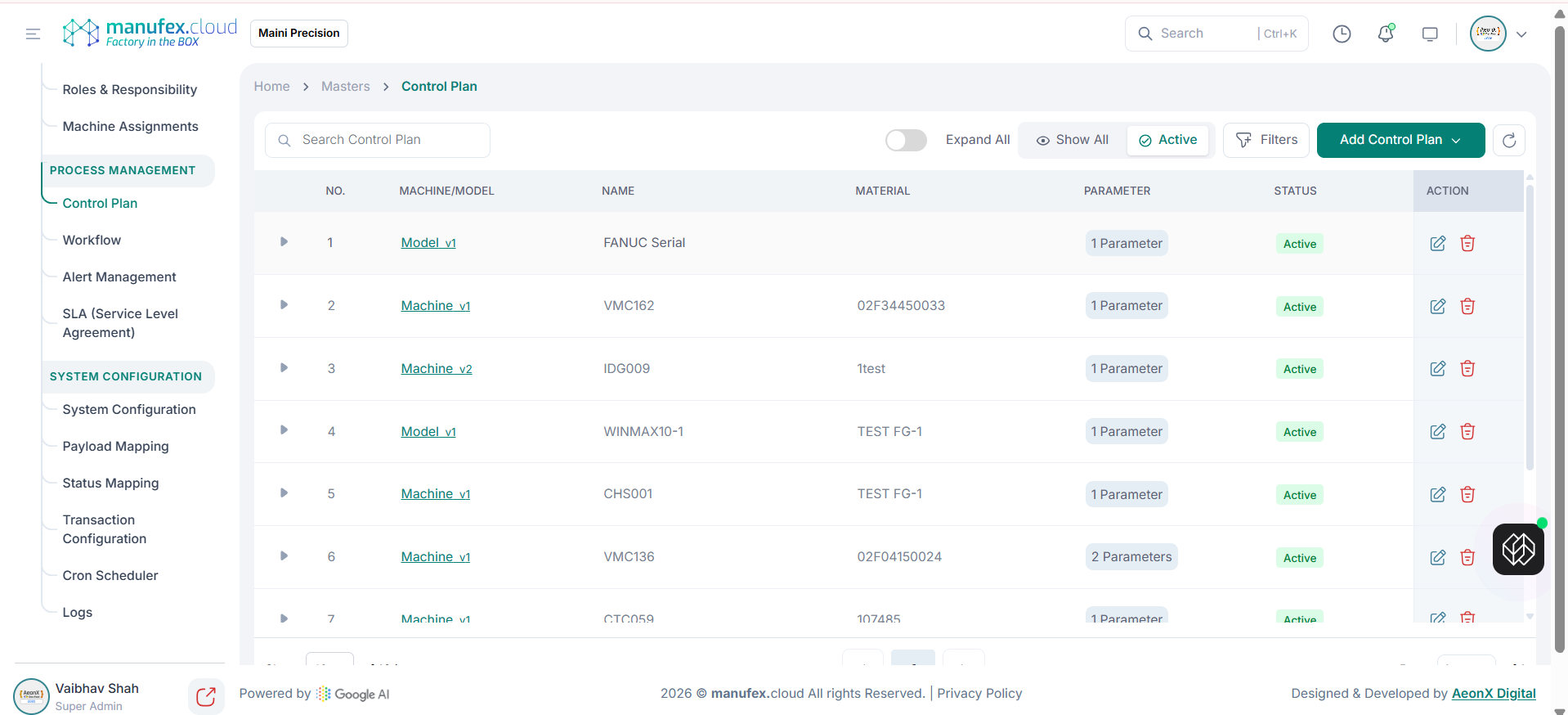
View control plans:
1. In the left sidebar, go to Settings & Config > Process Management > Control Plan.
2. Use Search, Filters, and status to find a control plan.
Add a control plan:
1. Click Add Control Plan and select Add New.
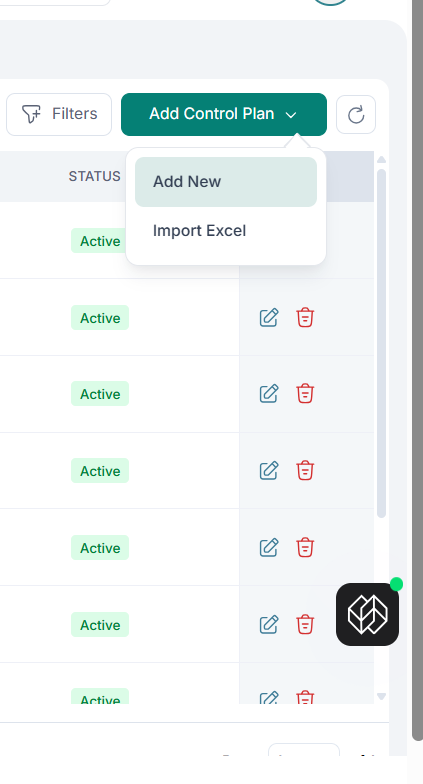 2. Select Selection Type and Machine/Model. Select Material and Machine Alert as required.
3. Under Add Parameters, select Parameter and Validation Logic, enter Value, then set Warning Status and Critical Status limits.
4. Click Add Parameter to add it into the Parameter List. Use the Edit/Delete icons in the Parameter List to adjust parameters before saving.
5. Click Save Control Plan.
2. Select Selection Type and Machine/Model. Select Material and Machine Alert as required.
3. Under Add Parameters, select Parameter and Validation Logic, enter Value, then set Warning Status and Critical Status limits.
4. Click Add Parameter to add it into the Parameter List. Use the Edit/Delete icons in the Parameter List to adjust parameters before saving.
5. Click Save Control Plan.
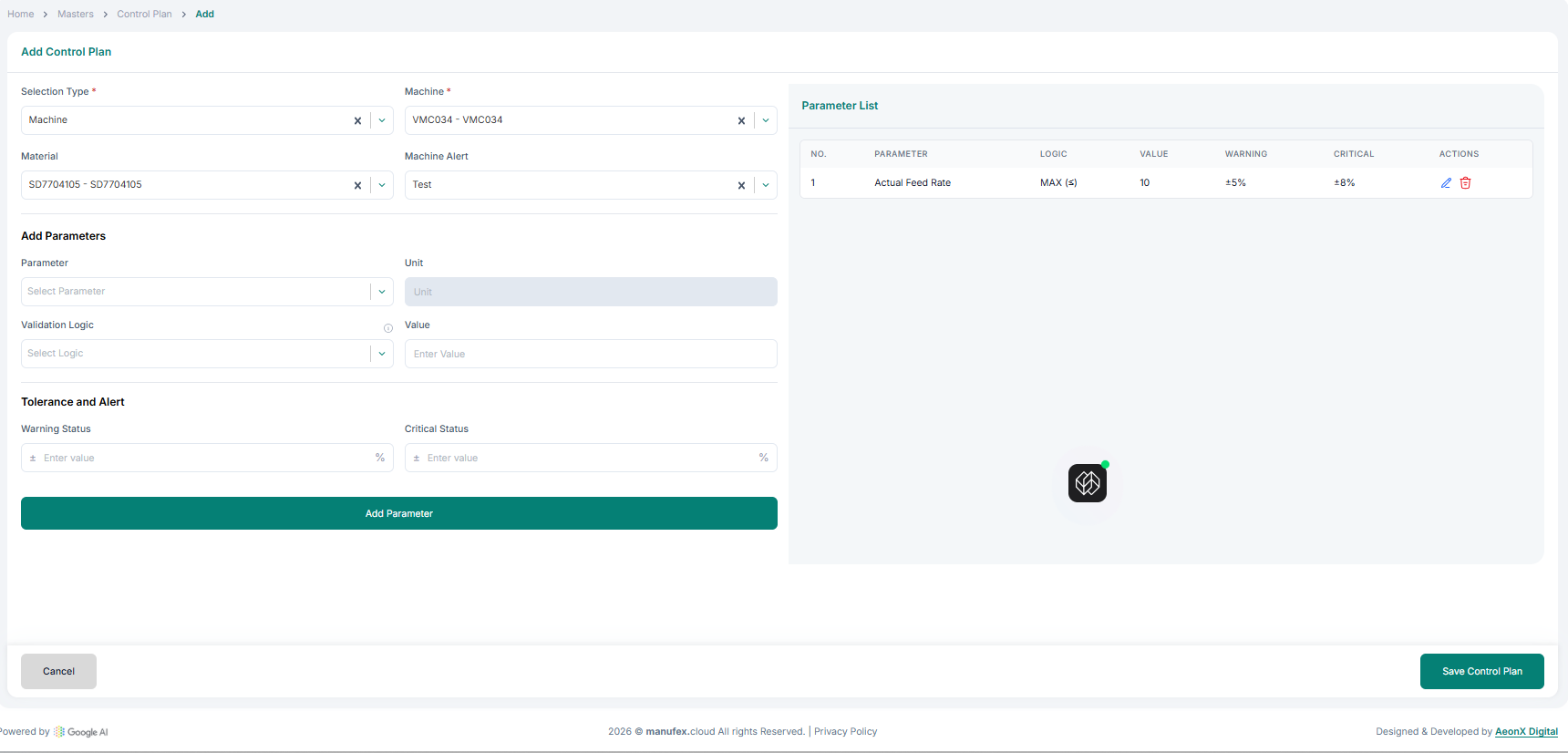
Import control plans (Excel): 1. Click Add Control Plan and select Import Excel. 2. Upload the Excel file and complete the import.
Edit a control plan: 1. Click Edit in the Action column. 2. Update details and click Save Control Plan.
Delete a control plan: 1. Click Delete in the Action column. 2. Confirm Delete Permanently.