Status Mapping
Status mapping is used to map the status of a machine based on specific conditions.
To add a status mapping:
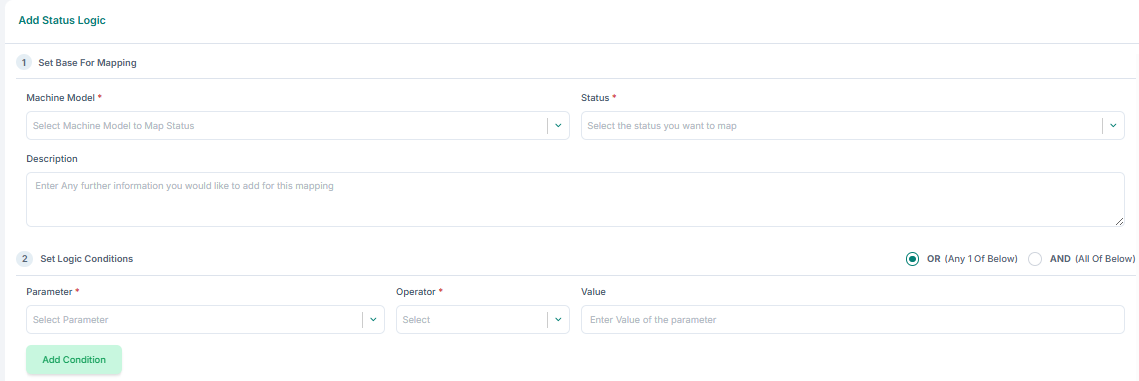
1. Set base for mapping: select the Machine Model, Status, and provide a Description.
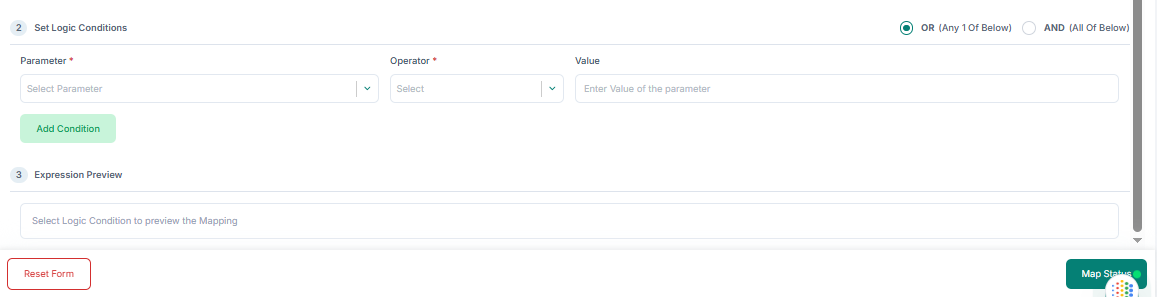
2. Set logic conditions: choose OR (any one of the following) or AND (all of the following), then select Parameter, Operator, and Value. Click Add Condition for additional conditions.
3. Click Map Status to finalize.
Edit a status mapping: 1. Click Edit in the Action column. 2. Update required fields and click Update Status Mapping.
Delete a status mapping: 1. Click Delete in the Action column.