Transaction Configuration
Use Transaction Configuration to manage system settings for Operator Dashboard, Shift, and Control Plan.
Open Transaction Configuration: 1. In the left sidebar, go to Settings & Config > System Configuration > Transaction Configuration. 2. Use the tabs to switch between Operator Dashboard, Shift, and Control Plan.
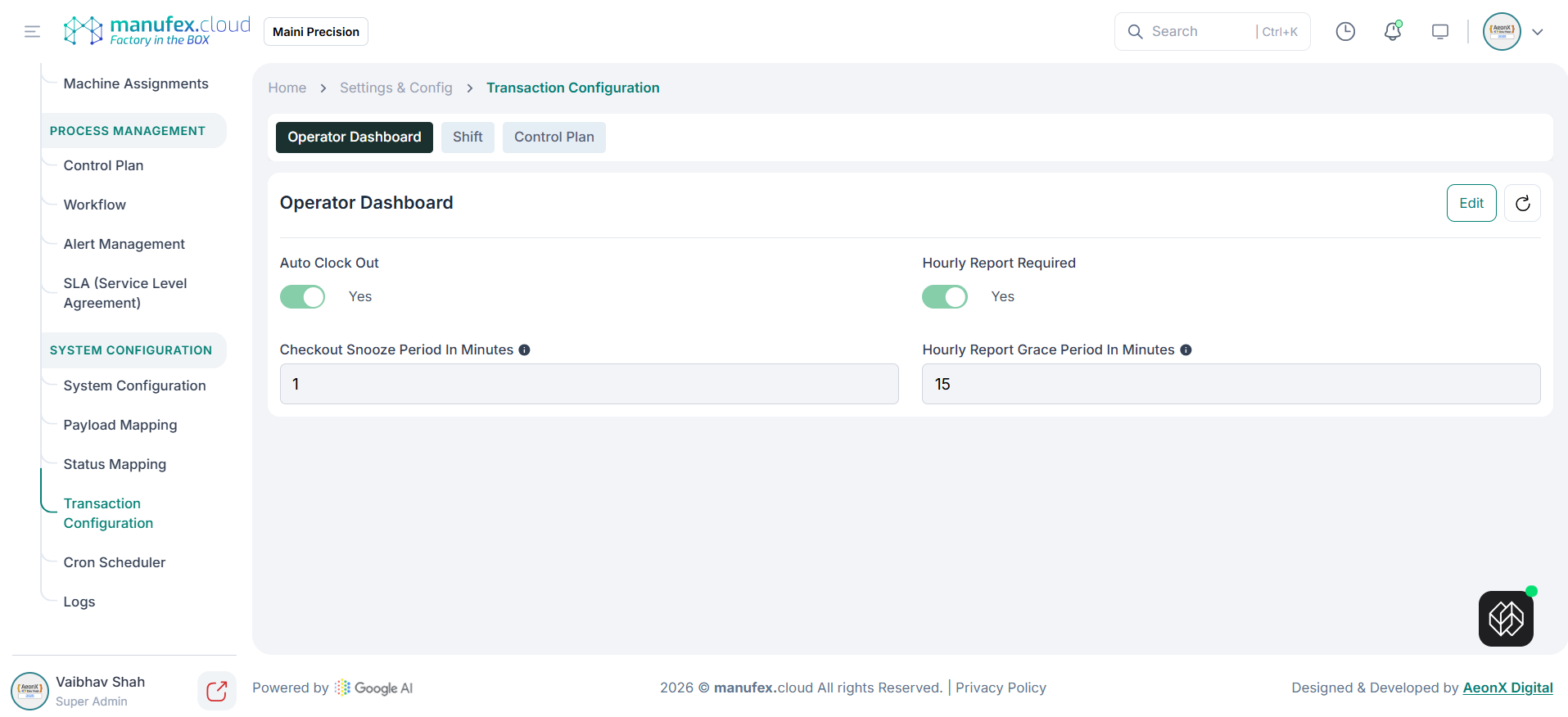
Operator Dashboard configuration:
1. Open the Operator Dashboard tab.
2. Review settings such as Auto Clock Out, Hourly Report Required, Checkout Snooze Period, and Hourly Report Grace Period.
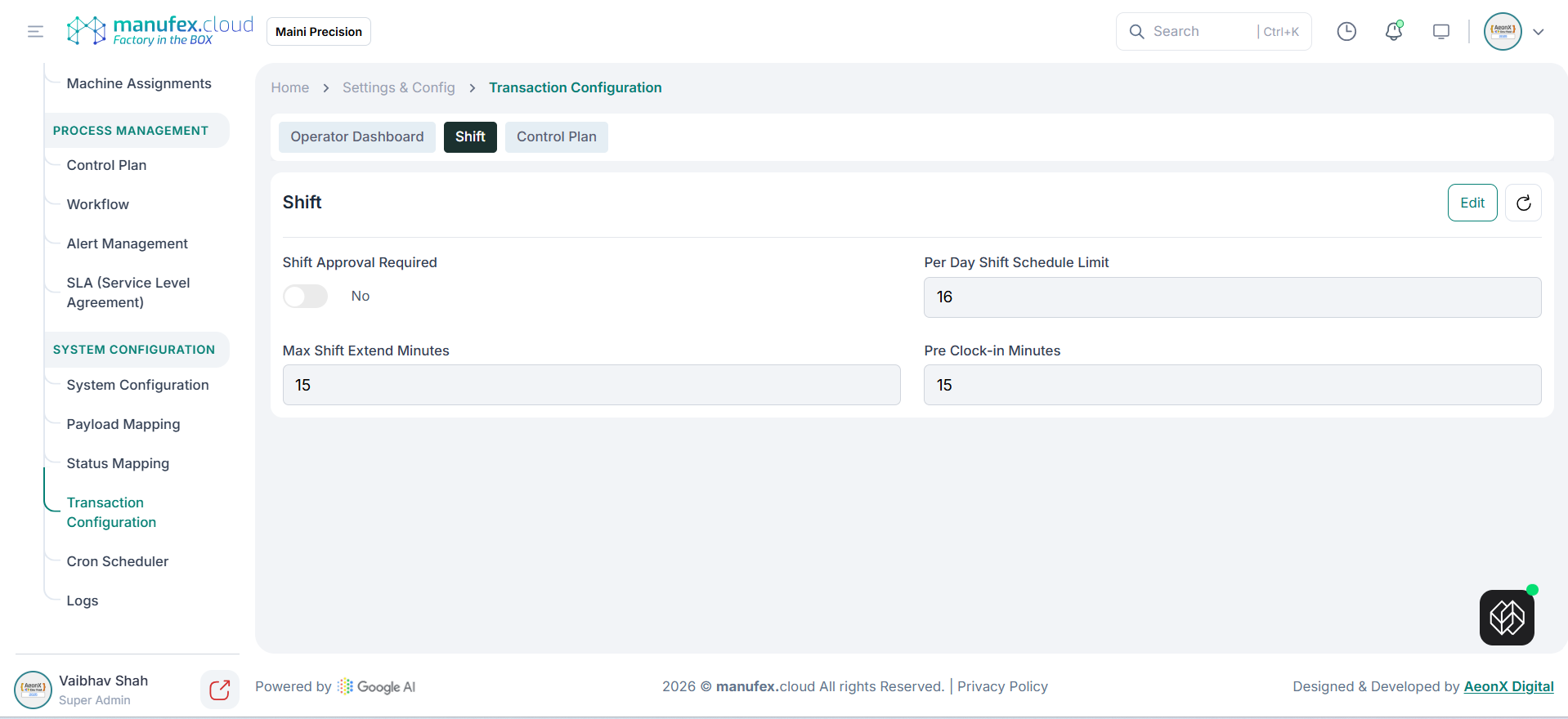
Shift configuration:
1. Open the Shift tab.
2. Review settings such as Shift Approval Required, Per Day Shift Schedule Limit, Max Shift Extend Minutes, and Pre Clock-in Minutes.
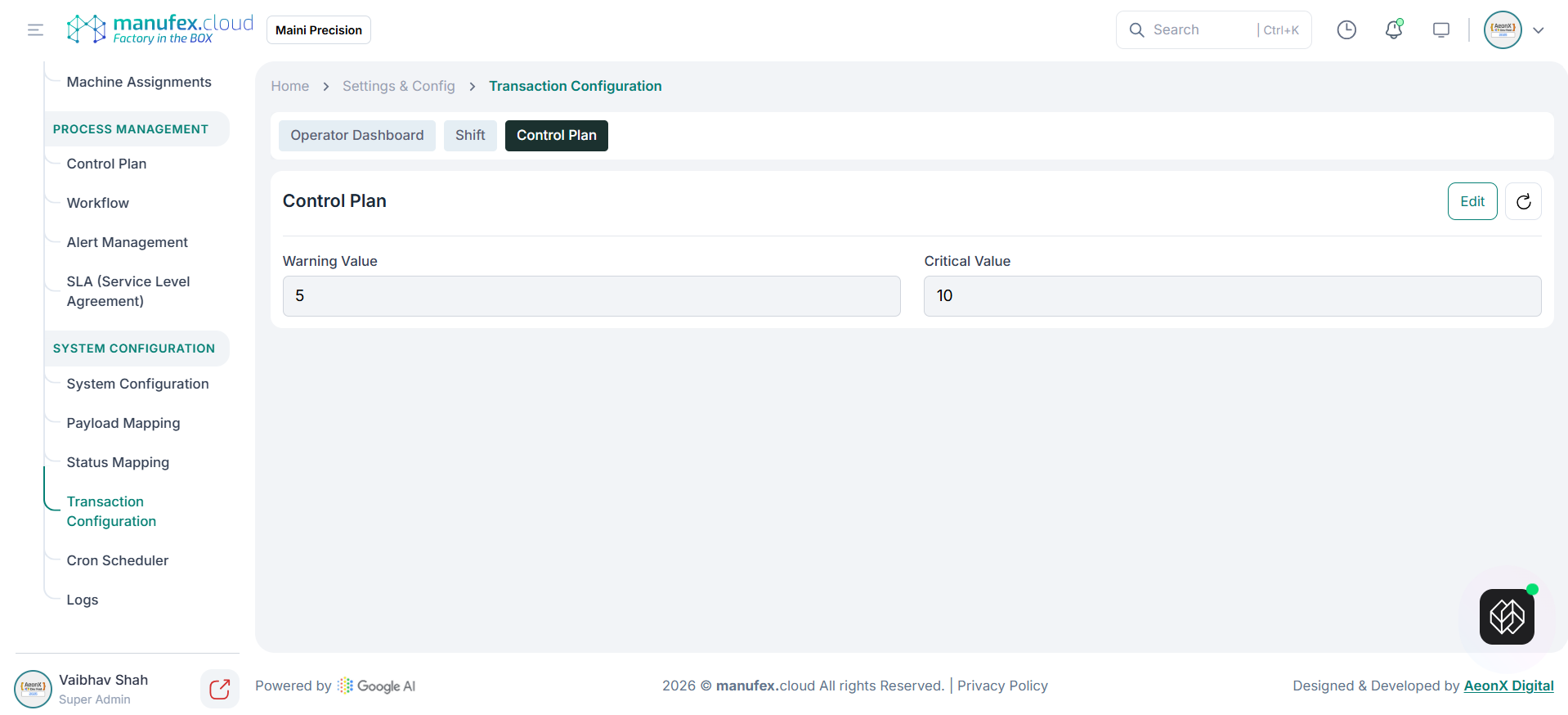
Control Plan configuration:
1. Open the Control Plan tab.
2. Review threshold values for Warning Value and Critical Value.
Edit transaction configuration: 1. Open the required tab. 2. Click Edit. 3. Update values and save.